
Images + supported videos
Save detected image pins and supported videos when Pinterest makes the media available.
PinBento is a Pinterest board downloader for Chrome, Firefox and Edge. Save detected pins to ZIP, make image-only PDFs, or copy image references into Figma. Choose specific pins when you only need a few.
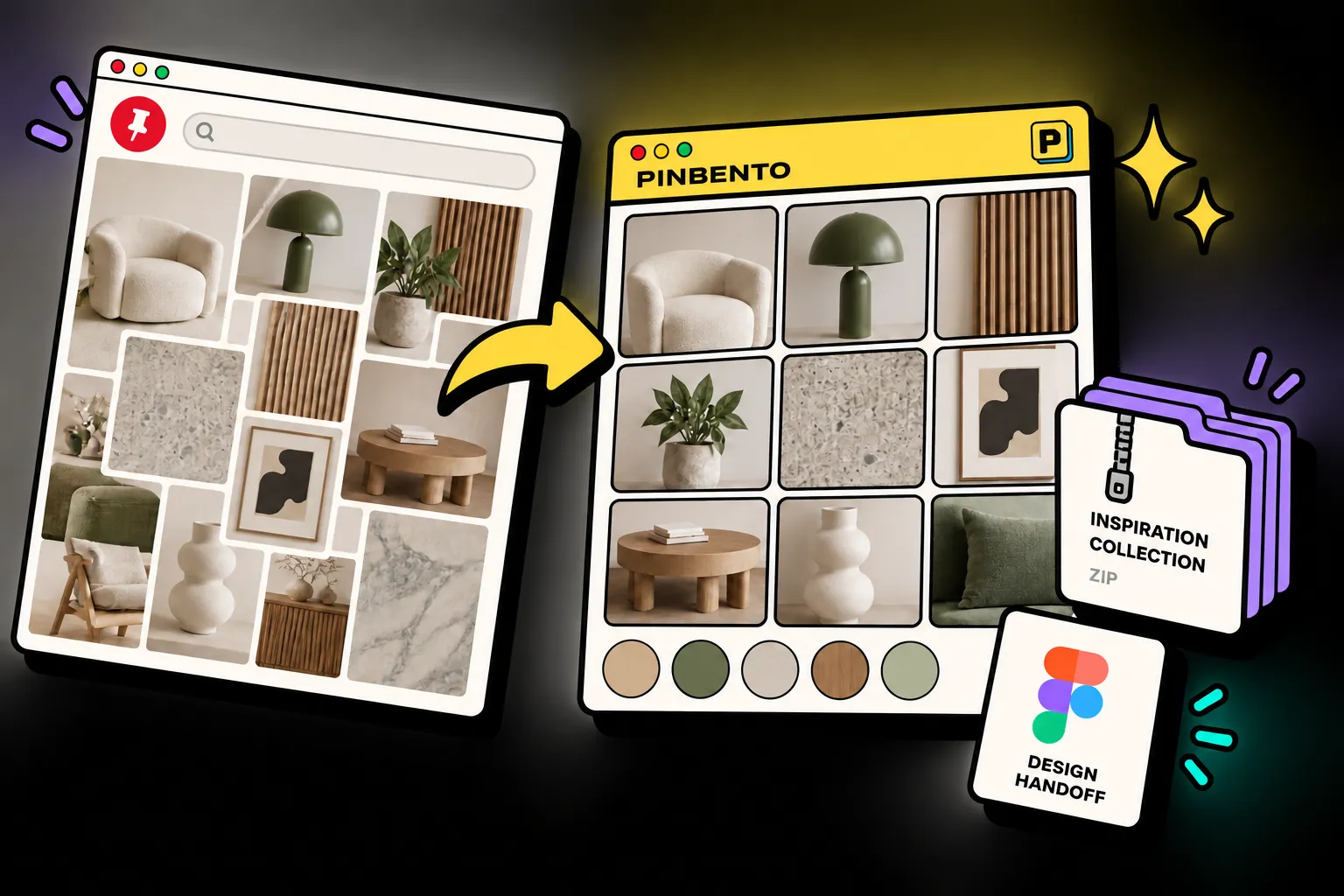
Same inspiration.
Less busywork.
Visit a Pinterest board and scroll to load the pins you want.
Select a few pins or use everything detected on the page.
Download ZIP, build an image PDF, or copy image pins to the Figma plugin.
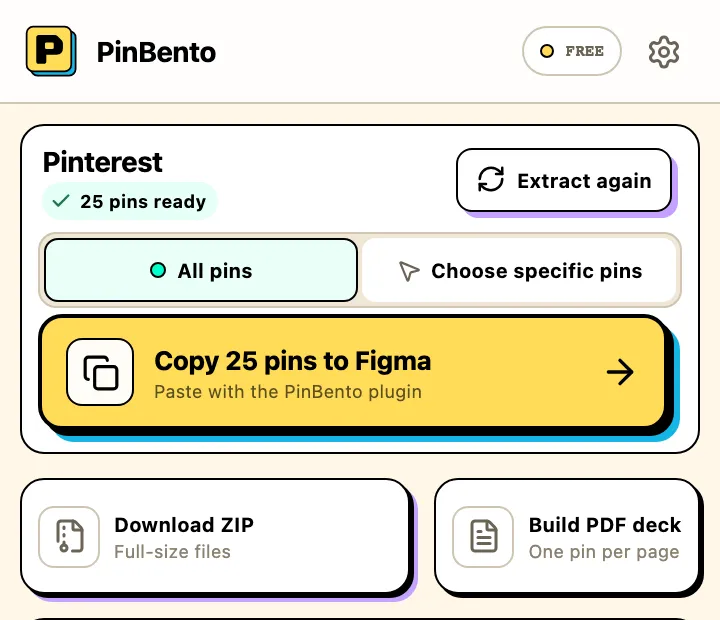
Current popup preview · sample board
Save detected image pins and supported videos when Pinterest makes the media available.
Pack detected media into a ZIP, or create an image-only PDF with one pin per page.
Copy selected image pins and paste them with the PinBento plugin as a moodboard or separate frames.
Pick specific pins or work with all pins found on the current page. Scroll to load more before extracting again.
Three ways to move
from saved to useful.
You found a board worth keeping. Load the pins you need, then pack the detected images and supported videos into one ZIP of original files.
A board has more than your project needs. Choose specific pins on Pinterest before saving, instead of cleaning up a larger download later.
Copy selected image pins in the extension. Paste with the companion plugin, then build one moodboard or separate Figma frames.
Collect. Organize.
Export. Create.
Choose detected image or supported video pins. Save a ZIP, or make an image-only PDF.
Available for Chrome, Firefox and Edge.
Copy image pins, paste with the plugin, then choose a moodboard or separate frames in a grid or column.
 Figma CommunityListing pending
Plugin built · Community listing pending. Image pins only.
No-account starter
10 individual pin saves and one board download per calendar month. Optional Google sign-in offers free unlimited beta access where supported; technical and batch limits still apply.
Straight answers for a smoother creative flow.
PinBento can export the pins detected on the page, rather than automatically loading an entire board. Save supported image and video pins directly or in a ZIP. PDF and Figma imports are for image pins only. Scroll the board to load the pins you want before extracting.
Supported video pins can be downloaded directly or included in a ZIP when Pinterest exposes a usable file. A ZIP is limited to 10 videos and 100 MB. Videos are not included in PDF or Figma imports.
No. The account service does not receive board titles, pin links, media URLs or downloaded files. If you choose Google sign-in in a configured release, it receives your verified email, Google account ID, consent record and aggregate usage counts. Figma imports are stored in your Figma file.
Yes. Choose specific detected pins for ZIP, image PDF or Figma, or export all pins currently found on the page. Pins that have not loaded yet cannot be included.
The companion plugin is built for image pins. Copy in the extension, paste into the plugin, then choose a moodboard or separate frames. The plugin is in development and does not yet have a public Figma Community listing.
The no-account starter allows 10 individual pin saves and one board download per calendar month. Optional Google sign-in offers free unlimited beta access where supported; technical and batch limits still apply. There is no paid plan yet.
PinBento is available for Chrome, Firefox and Microsoft Edge. Visit the store for your browser to install it.
The browser extension is available now. The companion plugin does not yet have a public Figma Community listing.
PinBento is part of Piolez—a small collection of focused tools that clear friction from visual research.
The browser extension is available now. The Figma Community listing is pending.
Help us improve Piolez?
With your permission, Google Analytics measures visits and Microsoft Clarity records interactions for heatmaps and session replays. Website privacy


