Behance Image
Downloader
Get the extension

Browser extension · Made for Behance

Download Behance images. Right where you find them.

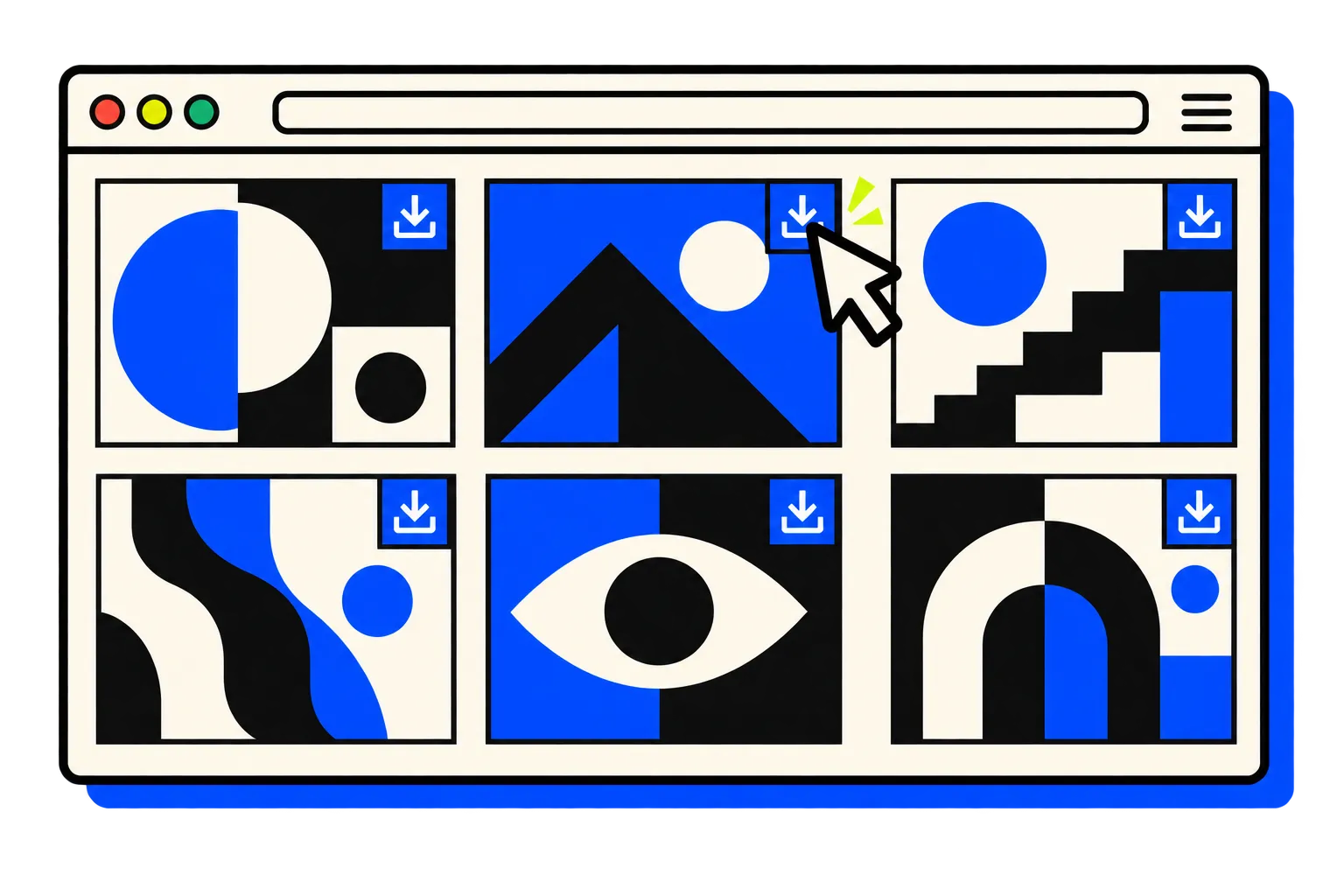
A free Behance downloader that puts a download button on project images. Save the image in one click, without opening another tab.

A project gallery with a download button over each image

2,000+

Already saving with less friction

Over 2,000 Chrome users.

Designers and reference hunters use Behance Image Downloader to keep inspiration moving from project page to personal folder.

Choose your browser

A tiny workflow upgrade

How to download images from Behance.

  1. 01

    Open a project

    Browse any Behance project you want to reference.

  2. 02

    Hover an image

    A download button appears directly on the image.

  3. 03

    Save it

    Choose your folder, save the file, and keep looking.

Less friction, same inspiration

The small tool for big reference hunts.

  • One-click image saving

    Download from the project page itself.

  • Choose your folder

    Put saved references where they belong.

  • 11 languages

    Use the extension in your preferred language.

Pick your browser

Take the shortcut with you.

No long manual needed

Quick answers.

Is Behance Image Downloader free?

Yes. The browser extension is free to install and adds download controls directly to Behance project images.

Do I need to paste a Behance project URL into a website?

No. Open the project on Behance and use the download button on the image you want to save. The extension works directly on the project page.

How do I download images from Behance?

Install the extension for your browser and open a Behance project. The extension adds a download button over each project image, so you can save it without opening another tab.

Can I choose where downloaded images go?

Yes. You can choose the folder used for downloads and keep project references organized your way.

Does it work on Behance project editing pages?

The extension is intended for browsing Behance, not editing projects.

Which languages are supported?

The Chrome, Firefox and Edge listings each describe support for 11 interface languages.

Free · 2,000+ Chrome users

Less clicking.
More looking.

Choose your browser

Behance Image Downloader

Privacy policy

Your browsing stays yours.

This policy describes Behance Image Downloader by Piolez, including the v0.2.0 packages for Chrome, Microsoft Edge and Firefox. Store availability is separate from this policy. The extension includes no developer analytics, advertising tracking or telemetry.

Last updated: October 25, 2026

01

What is processed

On supported Behance pages, the extension reads image and animated GIF URLs, image labels, project titles and project URLs to display on-page download and selection controls, show scan results and manage downloads. It does not monitor unrelated websites or use the browser history API.

02

Previews and downloads

Image previews and downloads request Behance-hosted image URLs directly from Behance and its content delivery network (CDN). Previews may load when you open scan results. Selected file URLs are passed to your browser’s download API when you request a download. A requested batch may continue, recover or retry in the background.

03

Local settings, selections and recovery records

Language and download settings, copyright-notice acknowledgement and recent project selections are stored in local extension storage on your device. Download queues, project and file URLs, failure records and browser download IDs are also stored locally for recovery, retry and revealing saved files. These records are not sent to a Piolez service or synchronized by the extension. They are not a temporary scan cache.

04

Information received by Behance and its CDN

When previews or downloads connect to Behance/CDN servers, those servers receive the requested URLs, including any URL tokens, and normal network information such as your IP address. These direct requests are necessary to display or save the requested images. The receiving services handle them under their own policies. No image URLs or project data are sent to Piolez by the extension.

05

Permissions and scope

Behance website access and scripting provide scanning and on-page controls, including restoring missing content scripts. Active-tab information identifies the supported page and project. Downloads permission provides saving, progress, supported resume/cancel actions and file reveal. Local storage preserves settings and recovery records. Alarms wake the background worker to reconcile an active download queue. The extension does not request account credentials, payment details, contact lists or precise location.

06

Your controls and saved files

Use Options to change the language, download subfolder, retry attempts and whether the browser asks where to save each file. You can cancel an active batch from the extension popup. Your browser manages saved files and its own download history. Use its extension controls to manage extension data or uninstall the extension. Removing the extension does not delete downloaded files.

07

Website analytics is separate

The extension contains no analytics, advertising trackers or telemetry. The public piolez.com website has its own optional, consent-based analytics, described in the separate Website privacy policy. Visiting this policy page does not add tracking to the extension.

08

Updates and contact

This policy will be updated before publishing an extension version that changes its data handling. For privacy or support questions, contact [email protected]. Behance Image Downloader is an independent Piolez tool, not affiliated with or endorsed by Behance or Adobe.

Website privacy ·